

Loading...
Pokémon Zone proposes the first ever free TCG Pocket collection tracking tool that requires no manual input, using exclusively your data in-game by connecting it with your Pokémon Zone account! Here's an example with my profile: https://www.pokemon-zone.com/players/3778164033299021/
Check what information you can see in my profile right above, or in the video below, or later in the article.
How to synchronize my Pokémon TCG Pocket data to my Pokémon Zone account?
- Create your account on Pokémon Zone: https://www.pokemon-zone.com/accounts/login/. You can also log in with a Discord or Gmail account.
- Make sure your Pokémon TCG Pocket account is linked to your Nintendo account.
- Go to "My Account" and follow the tutorial at "Sync your data"
Some things to know
- Don't do it when you're in a battle: this process logs you off the app.
- This process isn't automatic: to update your information, you have to click again on the "Sync" button.
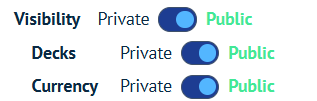
- You can make part of your or all your profile public or private by changing the settings in "My account".
What information are there on the Pokémon Zone data & collection tracker?
Home
- Check your global card completion stats
- Check your currencies, hourglasses, tickets and pack points
- Check your trophies

Cards
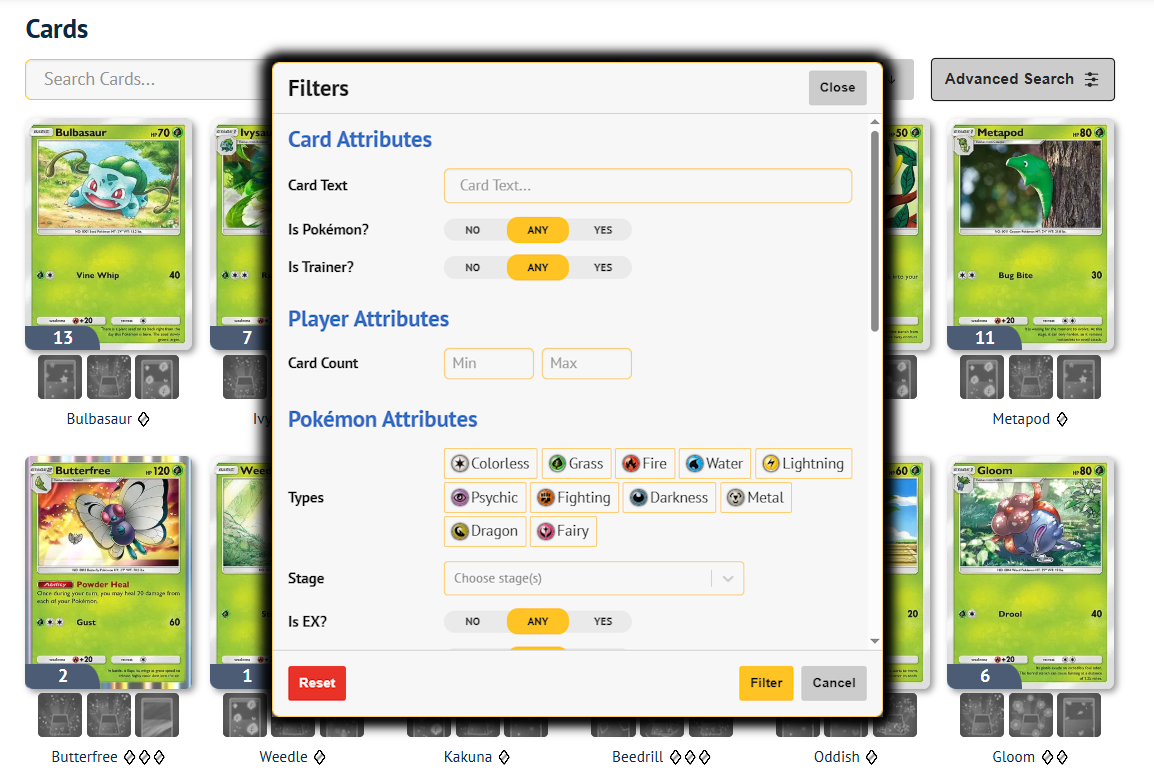
- Browse through your entire collection and check which cards you have and which flairs you have for each of them
- Filter your collection with the "Advanced search", including a filter by quantity: "Card count". You can add multiple series or packs to limit the search to specific expansions.
Sets
- Check your completion level by set thanks to the nifty display
- Click on each set to check your current collection in this set and filter it.

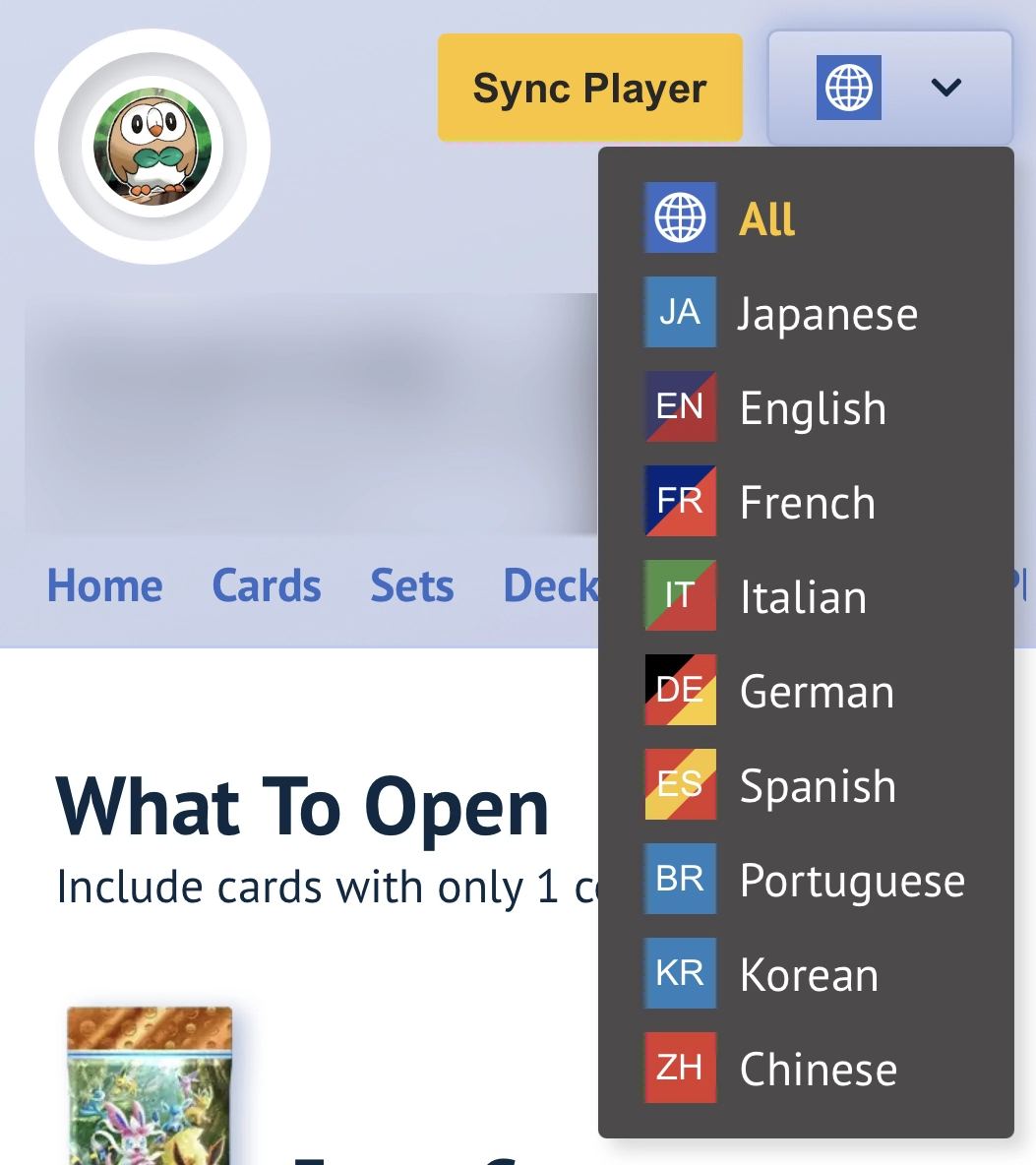
Information languages
In all collection interfaces like those above, you can filter cards by languages. By default, you see cards in all languages. On the top right, click the globe emoji to filter to a specific language and only see cards of that language in your collection
Decks
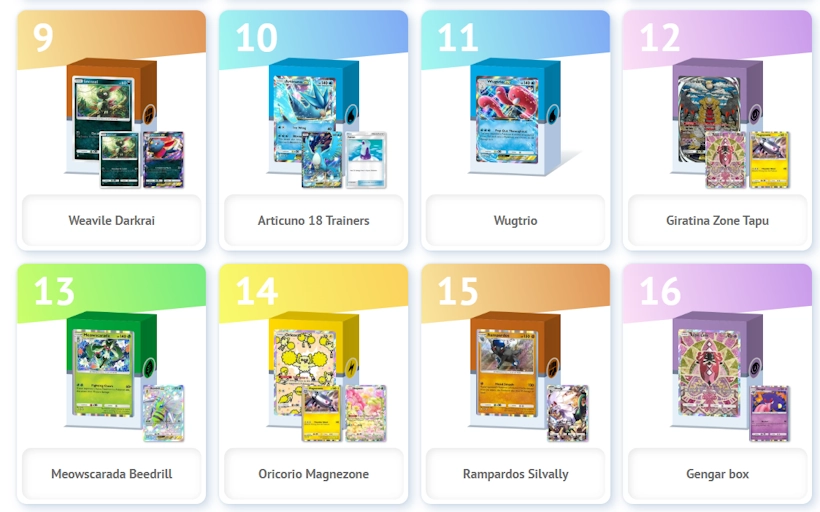
- Check all the decks on your account and share them with friends
- You can export the list in the LimitlessTCG format to easily join online tournaments by simply synchronizing the latest version of your deck!
What to open?
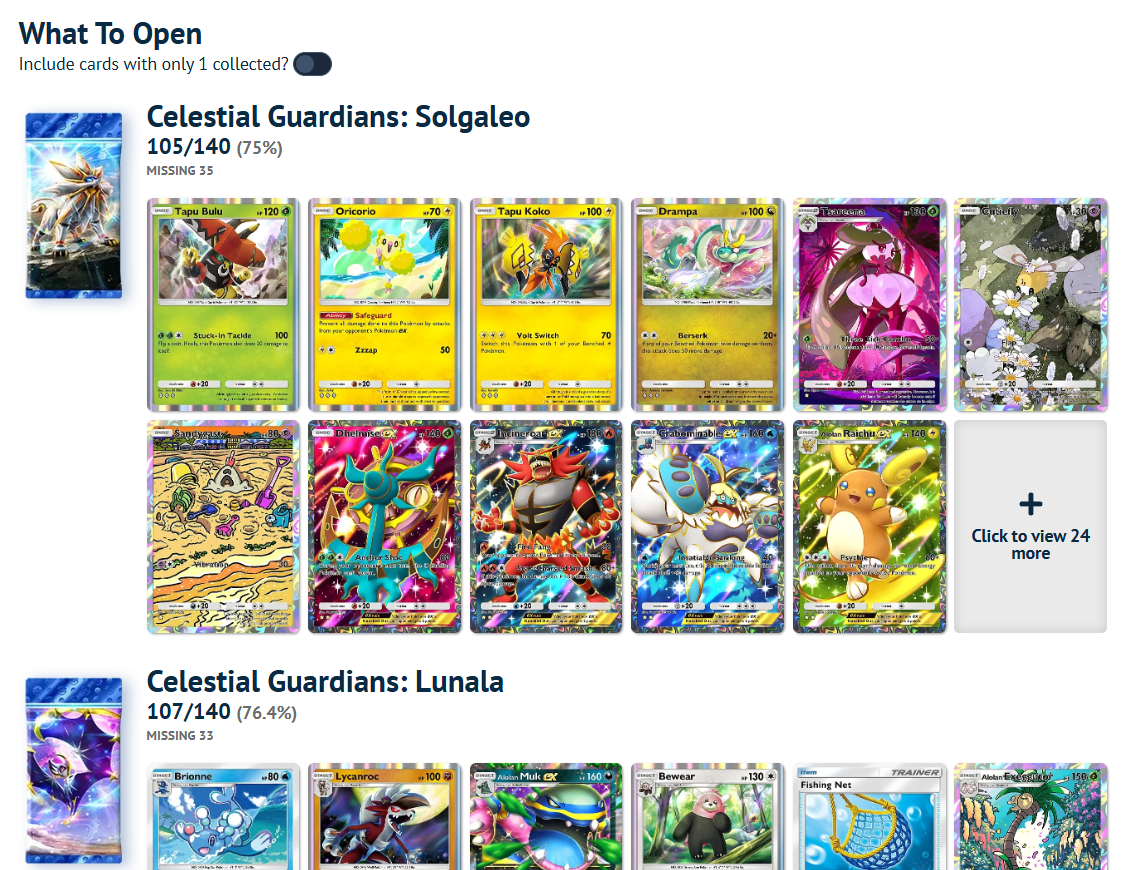
- Easily see what cards you're missing per pack, and which pack is the best to open according to how many cards you're missing for each of them
- The "Include card with only 1 collected" toggle is useful for people who wants to collect at least 2 of the same version of a card, in which case it might change which pack is the best to open
Play sets
- Easily see what Pokémon you're missing a playset of, across all their iterations (different rarities and promo versions)
- A playset is deemed complete if you have at least two functional copies of the same card, accross all rarities.

Display Boards & Binders
- Check all your Display boards and binders here
Note: when somebody else watches your profile, they'll only see your Public Display Boards & Binders.
Frequently Asked Questions
- It doesn't work!
- Make sure that your Nintendo account is linked to your TCG Pocket account. To do that, go to the Pokémon TCG Pocket app, then to the bottom right "sandwich" menu, then to Other > Account > Linked. The "Nintendo Account" must be checked with a green tick. It only works with a connection to a Nintendo account: a connection to Google, for instance, cannot provide these information.
- Make sure that you properly followed the steps in our tutorial (for instance, copying the link of the button rather than clicking on it).
- Try logging off and on your Pokémon Zone account: the refreshing is sometimes enough to make the process complete!
- Use an adblock-free browser for the process. Best results from your mobile.
- For users with parents/child Nintendo accounts, make sure to copy the address on the account of the proper user.
- If it persists, please get in touch with us on the Pokémon Zone Discord: https://discord.pokemon-zone.com/
- I don't want to show my profile or some parts of my profile
You can calibrate what you want to display by going to "My account" and select what level of privacy you want to give to your Pocket information.
- I have a card in-game, but it doesn't show up on Pokémon Zone after a synchronization
Open the collection page with the card on a private window in your browser. If you can see it, it means the issue comes from the cache of your browser. Clear your browser cache and try again.
- I want to delete all my data
You can remove your data from the site at any time from the settings page (https://www.pokemon-zone.com/settings/). We do not store your data after a user deleted.
- How do you use and store my information?
We create a unique link between your Nintendo Account and Pokemon-Zone. The credentials for this link are encrypted using AES-256 encryption. We only use the credentials to access your Nintendo Account to fetch your Pokemon Pocket TCG collection in a read-only manner. Because of the nature of the link and the encryption, there is no reasonable manner in which a third party could access your credentials. All of your data, including the encrypted credentials and any history of your collection are deleted if requested via the link above.
Ask your questions on our Discord: https://discord.pokemon-zone.com/